
Censhare will migrate its Atlassian Data Centre products to the Atlassian Cloud in 2027. This article is intended solely for those users who have been asked by Censhare to establish a connection to Censhare’s Atlassian Cloud products.
Important prerequisite:
To access the cloud products, you need an Atlassian account. Depending if you already have one or not, follow the steps below.
Select your scenario:
You have already an Atlassian Account
-
Answer the email you received from Censhare, provide the email address associated with your Atlassian account and letting us know which space you are requesting access to.
-
We will setup your permissions and invite you to our cloud site after migration in 2027. You will get an invitation email.
You don’t have an Atlassian Account
Option 1: Simply wait until we invite you with your email address we know. Then you create the Atlassian account and can connect.
Option 2:
-
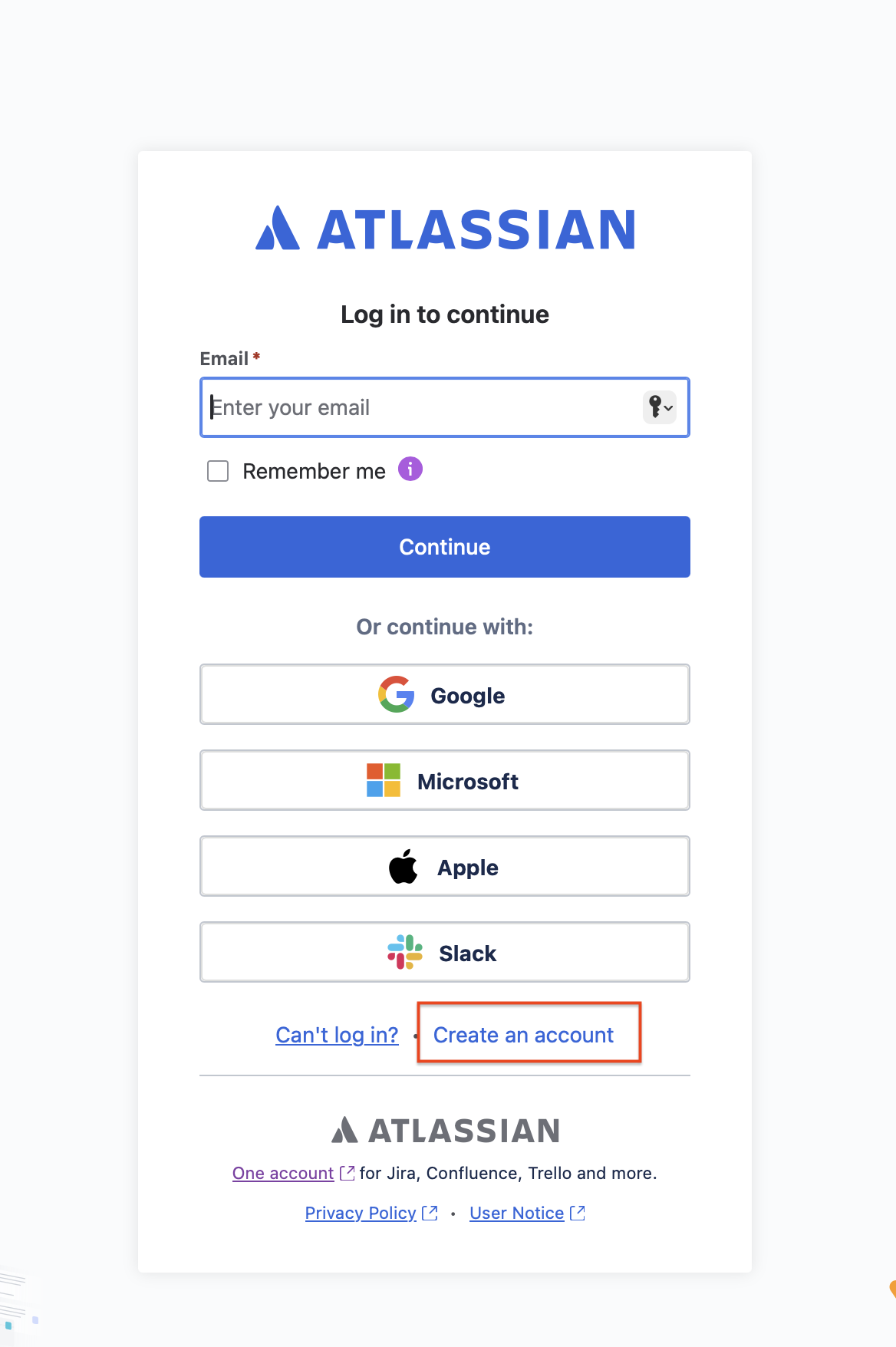
Register for an Atlassian account with your email address. Open “https://id.atlassian.com/login“ and register for a new account.
-
Answer to the email you received from Censhare, provide the email address associated with your Atlassian account and letting us know which space you are requesting access to.
-
We will setup your permissions and invite you to our cloud site after migration in 2027. You will get an invitation email.