
Censhare will migrate its Atlassian Data Centre products to the Atlassian Cloud in 2027. This article is intended solely for those users who have been asked by Censhare to establish a connection to Censhare’s Atlassian Cloud products.
Important prerequisite:
To access the cloud products, you need an Atlassian account. Depending if you already have one or not, follow the steps below.
Select your scenario:
You have already an Atlassian Account
-
Create a Service Request via our service desk: “https://jira.censhare.com/servicedesk/customer/portal/4“
and provide the email address associated with your Atlassian account, letting us know which space you are requesting access to. -
We will setup your permissions and invite you to our cloud site. You will get an invitation email.
You don’t have an Atlassian Account
-
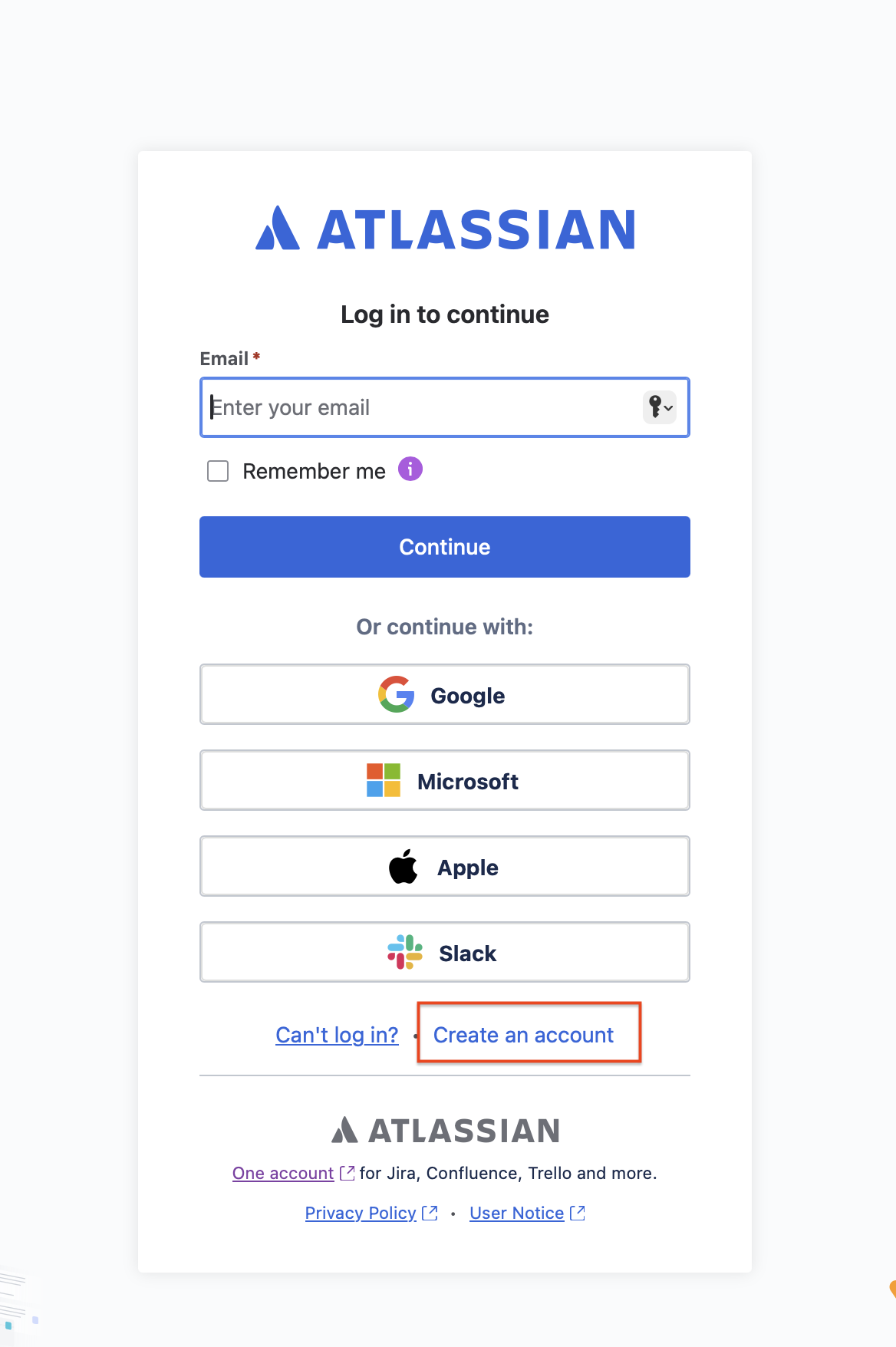
Register for an Atlassian account with your email address. Open “https://id.atlassian.com/login“ and register for a new account:
-
Create a Service Request via our service desk: “https://jira.censhare.com/servicedesk/customer/portal/4“
and provide the email address associated with your Atlassian account, letting us know which space you are requesting access to. -
We will setup your permissions and invite you to our cloud site. You will get an invitation email.